Knowledge Bases for Interviews
Generic interviews miss role-specific skills. See how Mockwin's custom knowledge base for interviews builds AI assessments benchmarked to your exact role, skills, and industry.
Custom Knowledge Bases for Interviews: Why They're the Future of Hiring
TL;DR
Generic interview questions can't validate role-specific skills. A custom knowledge base lets you feed Mockwin's AI interviewer your own topics, files, and Q&A so every question is benchmarked to the role, seniority, and industry you're hiring for. Build one in four steps Basic Details, Knowledge Sources, AI Settings, and Review & Publish and turn every interview into a repeatable, evidence-based assessment instead of a guessing game.
Table of Contents
Introduction: Why Custom Knowledge Bases Are the Future of Hiring
Most interview tools on the market today ask the same handful of questions to every candidate, regardless of whether they're screening a junior QA analyst or a Head of Engineering. That's the "generic interview" problem, and it's the single biggest reason technical hiring still feels like a coin flip. Mockwin was built to fix exactly this. Our adaptive AI mock interviewer doesn't rely on a static question bank pulled from the internet it interviews candidates against a knowledge base that you design, so every question, follow-up, and evaluation criterion is anchored to your actual role benchmark.
Think of a knowledge base as the "syllabus" you hand your AI interviewer before it walks into the room. Instead of asking a broad "tell me about REST APIs" to every backend candidate, an interviewer running on a custom KB can ask about the exact caching strategy, framework version, or compliance standard your team works with daily. That distinction matters more than most hiring teams realize.
Researchers who study hiring outcomes have consistently found that when interview questions are standardized and tied to job-relevant criteria, they become far better predictors of on-the-job performance than freeform conversation and the gap in reliability is well documented across decades of academic research on interview structure. A custom knowledge base is essentially how you operationalize that structure at scale, without needing an I/O psychologist on staff.
This guide walks through exactly how to build one inside Mockwin, screen by screen and why each step exists. If you're evaluating platforms, it's worth comparing this workflow against generic candidate evaluation software that treats every role the same way.
Step 1: Setting the Foundation (Basic Details)
Every knowledge base starts with metadata the details that tell Mockwin's AI who it's interviewing and what "good" looks like for that role. This isn't busywork; it's what the AI uses later to calibrate difficulty and phrasing.
What you define in Basic Details
- Knowledge Base Name e.g. "Senior React Developer KB," so your team can reuse it across multiple job requisitions.
- Description a short summary of what the KB covers and where it should be used, useful when multiple recruiters share a workspace.
- Skills the specific, required skills the AI should probe (React, distributed systems, SQL optimization, whatever the role demands).
- Experience Level Junior, Mid-level, Senior, Lead, or Executive, which resets the difficulty curve and vocabulary of every generated question.
- Industry (optional) tags like FinTech, Healthcare, or SaaS that let the AI weave in domain-relevant context, such as compliance-aware system design for a healthcare role.
This step alone is what separates Mockwin from most role-based interview practice tools that only let you pick a job title from a dropdown. Here, you're not selecting a template you're defining the actual rubric the AI will interview against.
Step 2: Curating Your Content (Knowledge Ingestion)
Once the metadata is set, the next question is: where does the AI's actual subject knowledge come from? This is the step most competing platforms get wrong they either lock you into their own pre-written question bank, or they offer just one clunky upload method. Mockwin gives you four.
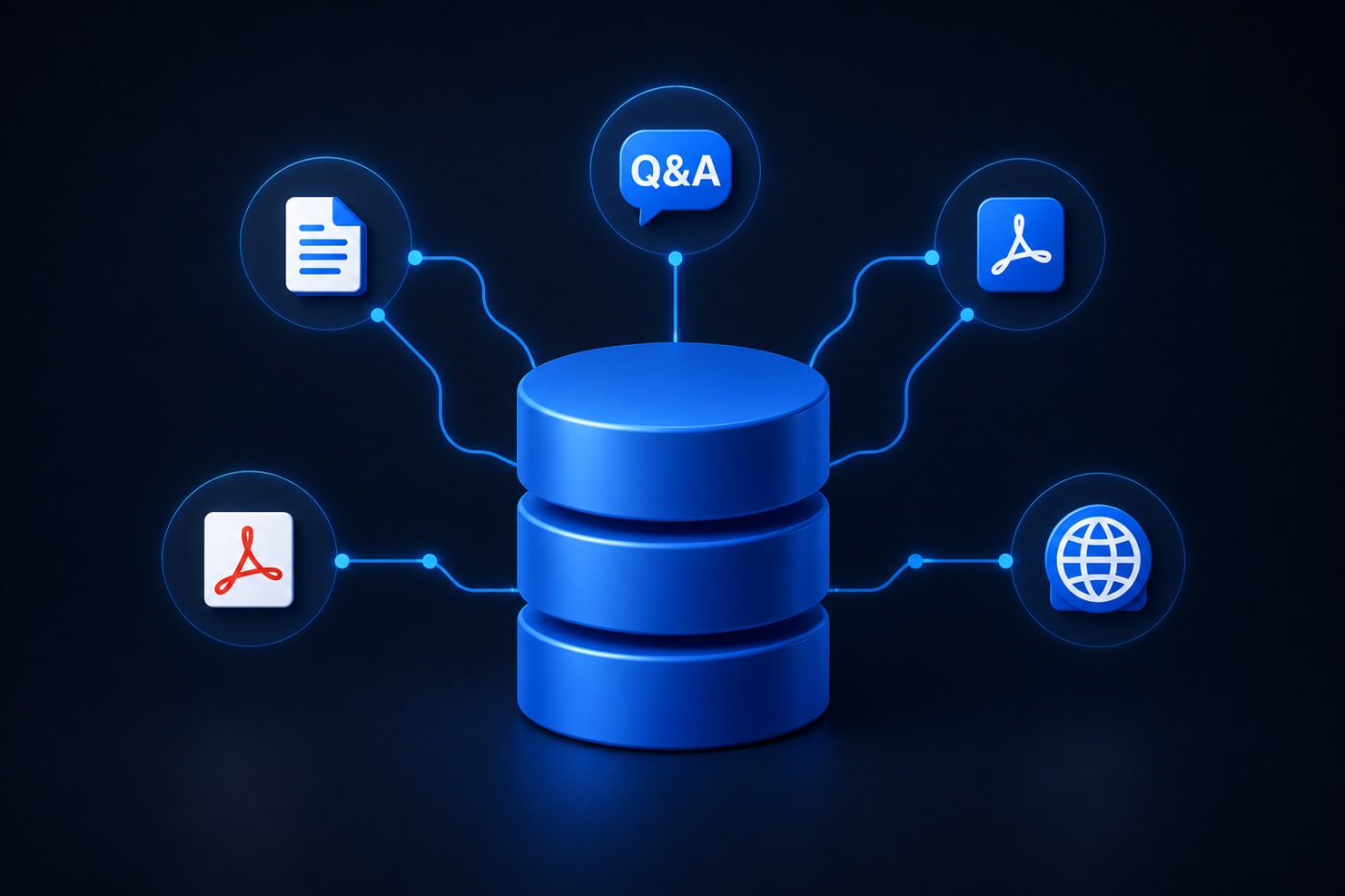
Because files are only parsed at save or publish time, Mockwin's AI extracts key topics and concepts from your documents rather than treating them as a rigid script which is what allows it to ask natural, adaptive follow-ups instead of reading questions off a page. This is the same underlying engine that powers Mockwin's AI interview assistant across every product surface.
Why four ingestion methods matter
Most hiring teams don't have their technical knowledge sitting in one clean format. Some of it lives in a wiki, some in a spreadsheet of past interview questions, and some only exists in a senior engineer's head. Supporting manual entries, file uploads, structured Q&A, and (soon) URL ingestion means you're not forced to restructure your existing knowledge just to use the platform.
Step 3: Directing the AI (Behavior & Setting Boundaries)
Content alone doesn't make a good interviewer behavior does. Step 3 is where you configure how strictly and how deeply the AI engages with a candidate, using four toggles.
Restrict to Knowledge Base
When enabled, the AI only draws on your uploaded content and won't fall back on general internet knowledge useful when you need airtight, role-specific evaluation.
Allow Probing Questions
Lets the AI ask natural follow-ups to dig deeper into a candidate's initial answer, surfacing depth of understanding rather than memorized talking points.
Disallow Assumptions
Prevents the AI from assuming a candidate has prior technical proficiency it hasn't demonstrated critical for fair evaluation across junior and career-switcher candidates.
Evaluation Strictness
A calibration setting controlling how tightly candidate answers are scored against your knowledge base from lenient screening to rigorous, benchmark-exact scoring.
This step is essentially where Mockwin lets you encode your own hiring philosophy into the AI. A high-volume campus recruiting screen might loosen strictness and disable assumptions entirely, while a senior architect assessment might restrict the AI tightly to the KB and crank evaluation strictness to maximum. Teams running structured hiring at scale often pair this with Mockwin's tech hiring tools to keep evaluation consistent across dozens of interviewers.
A common mistake
Teams sometimes enable "Restrict to Knowledge Base" without uploading enough source material first, which starves the AI of context and produces shallow questions. Make sure Step 2 is genuinely comprehensive before locking the AI down in Step 3.
Step 4: Review, Publish & Launch
The final screen is a summary dashboard a last checkpoint before your knowledge base goes live. It surfaces the knowledge base name, experience level, skill tags, industry, description, and every knowledge source you've added, so you can catch a missing skill or a mistyped description before candidates ever see it.
Verify Basic Details
Double-check the name, experience level, skills, and industry tags for accuracy.
Confirm Source Integrity
Review each knowledge source to ensure files parsed correctly and manual entries are complete.
Sanity-Check AI Settings
Revisit your toggles from Step 3 strictness and probing behavior should match the seniority of the role.
Publish
Once everything checks out, hit Publish and the knowledge base is ready to power live assessments.
After publishing, every completed interview automatically generates a structured evaluation you can review through Mockwin's AI interview feedback dashboard closing the loop between the benchmark you defined and the hiring decision your team makes.
Stop Interviewing Everyone the Same Way
Build a knowledge base benchmarked to your exact role, skill set, and seniority and let Mockwin's AI interviewer take it from there.
Frequently Asked Questions
What is a custom knowledge base in AI interviewing?
It's a structured collection of role-specific content topics, documents, and Q&A that an AI interviewer references when generating and evaluating interview questions, instead of relying on a generic, one-size-fits-all question bank.
Can I restrict the AI to only ask questions from my uploaded content?
Yes. The "Restrict to Knowledge Base" toggle in Step 3 forces the AI to draw exclusively from your uploaded sources rather than general knowledge, which is useful for highly specialized or proprietary technical assessments.
What file formats can I upload to build a knowledge base?
You can upload Excel or CSV files directly, add manual structured entries with topic and source metadata, or import structured Q&A pairs via CSV. URL-based ingestion from docs, blogs, and wikis is coming soon.
How does experience level affect the interview?
Selecting an experience level Junior through Executive recalibrates the difficulty, depth, and phrasing of every question the AI generates, so a Junior candidate and an Executive candidate are never asked the same question the same way.
Do I need technical skills to build a knowledge base on Mockwin?
No. The four-step builder Basic Details, Knowledge Sources, AI Settings, and Review & Publish is designed for recruiters and hiring managers, not engineers, with plain-language toggles and templates throughout.
Conclusion: Streamlined, AI-Driven Hiring Starts Here
The "generic interview" problem isn't just an inconvenience it's a measurable cost every time a role gets filled based on vague, unstructured impressions instead of role-specific evidence. A custom knowledge base turns that around by giving your AI interviewer exactly what it needs to ask better questions, probe deeper, and score answers against a benchmark you control not a generic template pulled off the shelf.
From Basic Details through Review & Publish, Mockwin's four-step builder is designed to save HR teams the manual work of writing role-specific interview guides from scratch, while guaranteeing the technical accuracy those guides were meant to deliver in the first place. If your team is still running the same ten questions past every candidate, it might be time to see what changes when the AI actually knows your role.